



























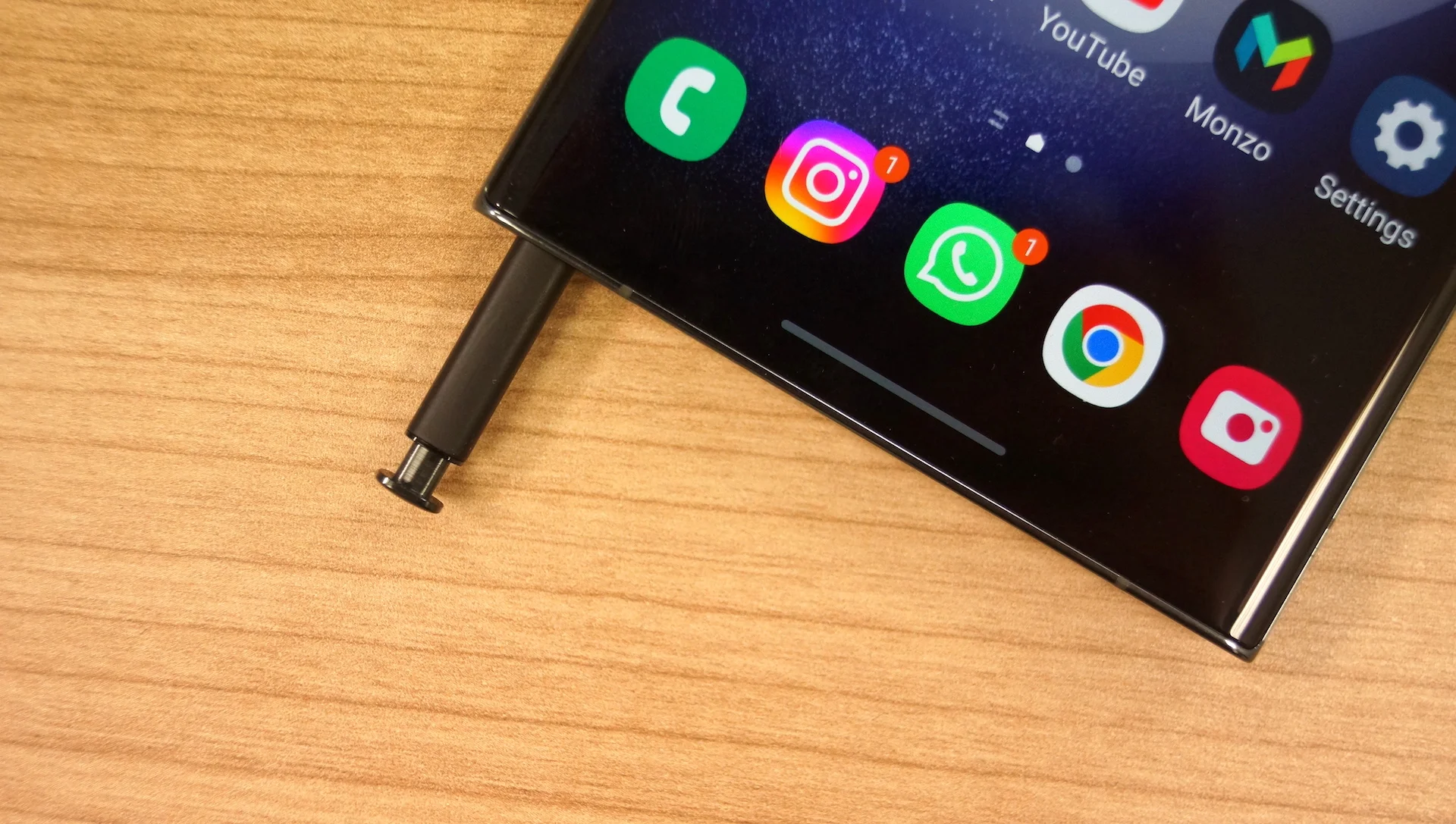
Samsung’s Galaxy S series smartphones, known for their powerful features and sleek design, come equipped with a nifty tool called the S-Pen. This stylus enhances the user experience, allowing for precise note-taking, artistic expression, and seamless interaction with the device. However, some users have reported a peculiar phenomenon – a foul odor emanating from the S-Pen.
This unexpected issue has sparked online discussions, leaving many scratching their heads and wondering, “Why does the S-Pen smell so bad?” Fear not, fellow Galaxy users! This guide delves into the potential reasons behind the smelly S-Pen and offers solutions to keep your stylus fresh and odor-free.
Potential Culprits: Why Your S-Pen Might Be Malodorous
Several factors might contribute to an unpleasant odor emanating from your S-Pen. Let’s explore the main suspects:
- Chemical Off-gasing: New electronic devices, including the S-Pen, can emit faint chemical odors during the initial usage period. These odors typically stem from manufacturing processes and dissipate over time.
- Material Breakdown: The S-Pen might be constructed from various materials, including plastics and resins. Over time, these materials can degrade due to factors like heat, sunlight, or exposure to harsh chemicals. This breakdown can sometimes produce unpleasant odors.
- External Contaminants: The S-Pen is a frequently used tool, making it susceptible to accumulating dirt, sweat, oils, and other external contaminants. These elements can create a breeding ground for bacteria, leading to unpleasant smells.
- Accidental Contact with Strong Odors: If you frequently use your S-Pen near strong odors like smoke, perfume, or food, these scents can transfer to the stylus material, causing it to smell unpleasant.
Read More:
- 21H1 and 21H2 Updates for Windows 10 Pro (1 GHz)
- Apple AirPods 4: The Next Generation of True Wireless Earbuds
- Vivo Lounches Pad 3 Pro Tablet and Innovative TWS 4 Earphones: A Look at Specs, Price, and Performance
- OnePlus Nord CE 4: Unpacking the Mid-Range Phone
- The Sony PS5 Pro: A Speculative Deep Dive into the Next-Gen Game Console
Combating the Stench: Solutions for a Fresh S-Pen
Now that we’ve identified the potential culprits, let’s tackle some solutions to keep your S-Pen odor-free:
- Regular Cleaning: Develop a habit of cleaning your S-Pen regularly. Use a soft, lint-free cloth dampened with a mild cleaning solution (like a diluted isopropyl alcohol solution) to wipe down the entire surface. Avoid harsh chemicals or abrasive materials that might damage the S-Pen.
- Proper Storage: When not in use, store your S-Pen in a cool, dry place. Avoid leaving it in direct sunlight or extreme temperatures, as this can accelerate material breakdown and potentially contribute to unpleasant odors.
- Air it Out: If the odor persists, consider letting the S-Pen air out for a few hours in a well-ventilated area away from direct sunlight. This allows any trapped odors to dissipate naturally.
- Samsung Support: If the solutions above fail to address the issue, consider contacting Samsung Support. They can help diagnose the problem and potentially recommend a replacement if a manufacturing defect is suspected.
Preventive Measures: Keeping Your S-Pen Fresh from the Start
By adopting these preventive measures, you can minimize the chances of your S-Pen developing an odor in the first place:
- Clean Hands: Make it a habit to wash your hands before using the S-Pen, especially if you’ve been handling food or using strong-smelling products. This reduces the transfer of bacteria and external contaminants.
- Avoid Extreme Environments: Refrain from using your S-Pen in excessively hot, cold, humid, or dusty environments. These conditions can accelerate material degradation and potentially contribute to odors.
- Invest in a Case: Consider using a dedicated case for your S-Pen. This provides an extra layer of protection against dirt, dust, and other contaminants.
Conclusion
A smelly S-Pen can be an unpleasant surprise. However, by understanding the potential causes and following the recommended solutions and preventive measures, you can effectively combat and prevent unwanted odors. Remember, a clean and odor-free S-Pen enhances your Galaxy S experience, allowing you to unleash your creativity and productivity with confidence. So, take care of your S-Pen, and it will serve you well!